
Moodboard Creator Tool: The Complete Guide to Visual Creativity in 2026
Discover how a moodboard creator tool transforms your creative ideas into visual direction. Learn to create stunning moodboards for branding, design, and more.
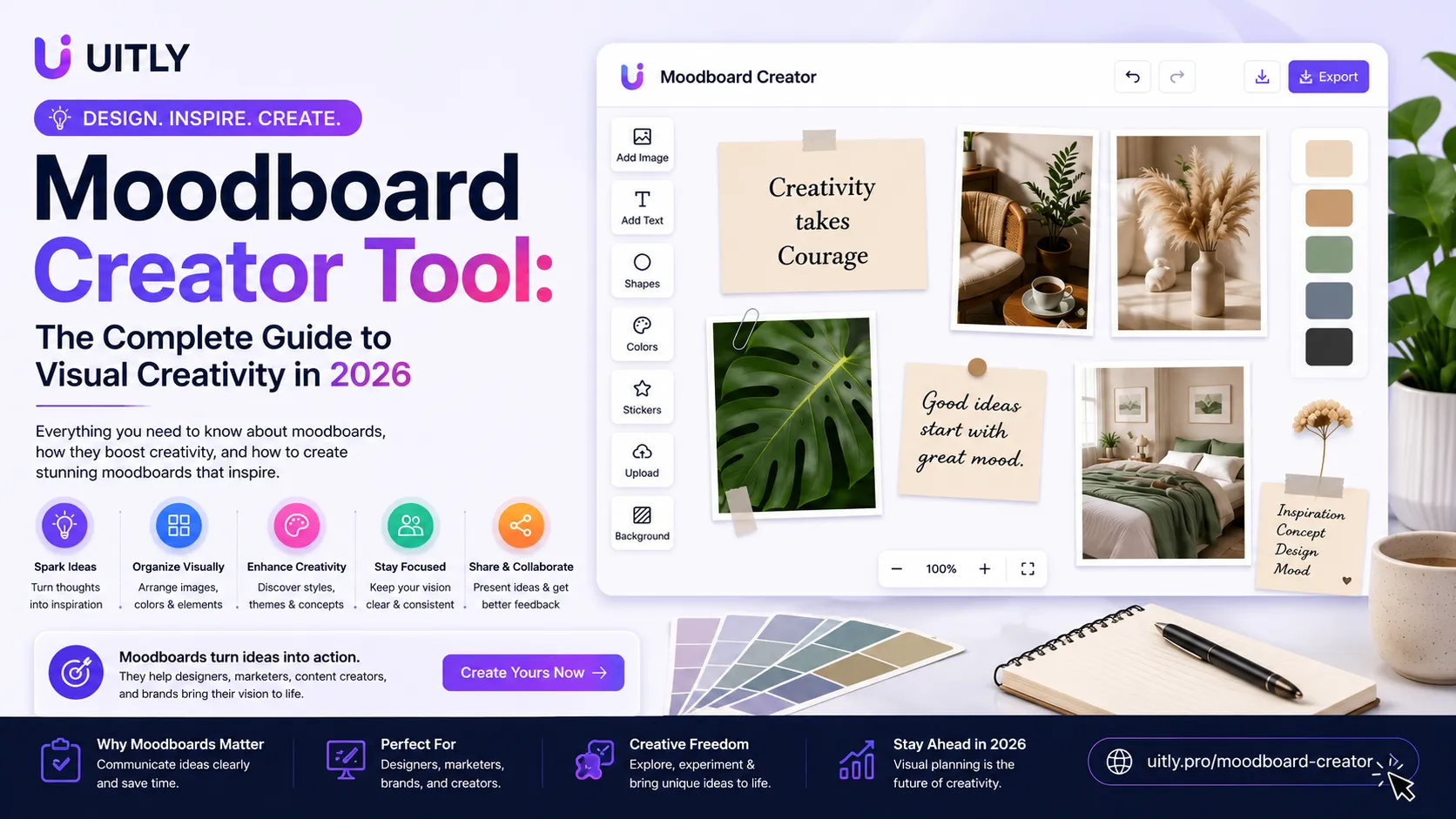
What Is a Moodboard Creator Tool? A moodboard creator tool is a digital application that helps designers, creators, and business owners collect and arrange visual elements such as images, colors, fonts, and textures into a single, organized board. It transforms scattered creative ideas into a clear visual direction for branding, design, marketing, and content projects. Modern moodboard creator tools include AI suggestions, drag-and-drop editors, templates, and real-time collaboration features that allow individuals and teams to plan visual identities efficiently without advanced design skills. |
Coming up with visual ideas from scratch can feel overwhelming. Staring at a blank canvas with a head full of scattered thoughts rarely produces the clear creative direction that clients, teams, or personal projects need. A moodboard creator tool solves this problem by giving you a structured digital space to collect, organize, and refine visual inspiration until a coherent direction emerges.
Moodboards have been used by professional designers, architects, and creative directors for decades. What changed in recent years is the technology behind them. Modern moodboard creator tools combine intuitive drag-and-drop editors with AI-powered suggestions, cloud storage, and real-time collaboration. This means a freelancer working alone and a marketing team of twenty can both use the same type of tool to plan visual identities with equal efficiency.
This guide explains everything you need to know about moodboard creator tools in 2026. You will learn what they are, how they work, which features matter most, and how to create moodboards that actually improve your creative output rather than just looking pretty on screen.
What Is a Moodboard Creator Tool?
A moodboard creator tool is a digital application designed to help users collect visual elements, organize them spatially, and communicate a creative direction through a single composed image or board. The term moodboard comes from the physical boards that designers used to pin magazine clippings, fabric swatches, and color chips onto when planning a project.
In its digital form, a moodboard creator tool replaces pins and physical boards with a flexible digital canvas. Users can drag images onto the canvas, adjust their size and position, add color swatches, type notes, upload their own photography, and pull inspiration from image libraries. The result is a visual document that communicates feeling, tone, style, and direction more effectively than written descriptions alone can achieve.
The purpose of a moodboard extends beyond personal inspiration. When shared with a client before a design project begins, a moodboard aligns expectations and prevents expensive revisions later. When used internally within a team, it ensures that every person working on a project shares the same visual understanding of the goal.
Why People Use Moodboard Creator Tools
Branding Projects: Brand designers use moodboards to establish the visual personality of a new business before creating logos, color systems, or typography. A moodboard shows the client what the finished brand will feel like before a single design element is finalized.
Website Design: Web designers create moodboards to define the visual style of a website, including color palette, image treatment, button style, and overall layout direction. This prevents scope creep and misaligned expectations during development.
Social Media Planning: Content creators and social media managers build moodboards to maintain a consistent visual style across all posts. A clear moodboard reference keeps Instagram grids, Pinterest boards, and YouTube thumbnails visually cohesive over time.
Interior Design Inspiration: Interior designers share moodboards with clients to illustrate how furniture, materials, lighting, and color will work together in a physical space before any purchasing decisions are made.
Marketing Campaigns: Marketing teams use moodboards during campaign planning to ensure that all visual assets, from advertisements to email graphics, share a consistent style that reinforces the campaign message.
Product Development: Product designers create moodboards to establish the aesthetic direction of a physical product before investing in prototyping. This saves significant development time and cost.
How a Moodboard Creator Tool Works
Using a moodboard creator tool follows a straightforward process that even complete beginners can master quickly. Here is the typical workflow from start to finished board:
Choose Your Theme: Begin by defining the emotional direction or visual goal of your project. Words like minimal, energetic, luxury, playful, or earthy give you a starting theme to guide every decision that follows.
Add Images: Upload your own images, drag in visuals from the built-in library, or import from your saved collection. Most tools allow you to search for images by keyword and add them directly to your canvas without leaving the application.
Select Your Colors: Use the color palette feature to define two to four primary colors that represent your project's visual identity. Many tools auto-generate harmonious color suggestions based on the images you have already added.
Arrange Your Layout: Drag elements around the canvas to create a composition that feels balanced. Group related elements together and use white space intentionally to prevent the board from feeling cluttered.
Add Typography and Notes: Include font examples that match your project's tone and add brief text notes to explain specific elements or intentions. This makes the moodboard more useful when sharing with clients or teammates.
Export the Final Board: Export your completed moodboard as a PDF for client presentations, a PNG for digital sharing, or keep it in the cloud for team access and ongoing updates.
Benefits of Using a Moodboard Creator Tool
Faster Idea Generation: A digital moodboard tool eliminates the physical limitations of traditional inspiration boards. You can search thousands of images, swap elements instantly, and iterate on compositions in minutes rather than hours.
Better Visual Communication: Showing a client a moodboard communicates your creative intention more precisely than any written brief can. Visual direction removes ambiguity and produces faster approvals with fewer revision rounds.
Real-Time Team Collaboration: Cloud-based moodboard tools allow multiple team members to add elements, leave comments, and make adjustments simultaneously from different locations. This keeps remote teams aligned without lengthy email threads.
Creative Consistency: Having a reference moodboard ensures that every piece of content or design created for a project matches the established visual direction. This consistency strengthens brand recognition and overall project quality.
Significant Time Saving: Starting a creative project with a completed moodboard shortens the overall production timeline because it reduces guesswork during execution. Designers know exactly what style to aim for and what to avoid.
Types of Moodboards
Branding Moodboards
A branding moodboard establishes the visual identity of a business or personal brand. It includes logo style references, color palettes, typography examples, image treatment styles, and texture or pattern ideas. This type of moodboard serves as the foundation document from which all brand assets are created.
Interior Design Moodboards
Interior designers use these boards to present a room concept to clients before sourcing furniture or materials. They typically include furniture images, material swatches, paint color chips, lighting fixtures, and decorative accessories arranged to simulate the finished space.
Fashion Moodboards
Fashion designers and stylists create moodboards to plan clothing collections, editorial shoots, or outfit combinations. These boards communicate the season's color story, silhouette direction, textile choices, and overall styling aesthetic to the broader team.
Content Creation Moodboards
YouTubers, bloggers, and social media creators use content moodboards to plan their channel or feed aesthetic. These boards define the consistent color grading, photography style, graphic elements, and typographic choices that appear across all published content.
Product Design Moodboards
Product teams use moodboards during the early concept phase to align on the visual and emotional direction of a new product before engineering begins. These boards reference competitor products, material inspirations, target customer lifestyle imagery, and desired user experience.
How to Create Your First Moodboard
Define Your Goal Clearly: Write one sentence that describes what your moodboard needs to communicate. This sentence is your filter for every element you add or remove. If an image does not support that sentence, it does not belong on the board.
Gather Inspiration Broadly First: In the early gathering phase, collect more images than you need. Save anything that feels relevant to your theme without editing yourself. You will curate later. Gathering broadly prevents you from overlooking important directions.
Select a Color Palette: From your gathered images, identify the colors that appear most consistently across the ones you feel strongest about. Limit your palette to three or four colors. More than four colors creates visual confusion and weakens the overall direction.
Add Typography Examples: Choose one or two font styles that match the emotional tone of your moodboard. A luxury brand board might feature elegant serif fonts, while an energetic startup board suits bold geometric sans-serif lettering.
Organize and Edit Ruthlessly: Reduce your collected elements down to eight to twelve strong pieces that together tell one clear visual story. Remove anything that creates conflict with the main theme, even if you personally like the image.
Review with Fresh Eyes: Step away from the board for at least 30 minutes and then review it again. Elements that felt essential often reveal themselves as unnecessary during a second look with a clear mind.
Features to Look For in a Moodboard Creator Tool
Drag and Drop Editor: The core feature of any moodboard tool should be a smooth drag and drop canvas where elements can be positioned and resized intuitively. Complex interfaces slow down the creative process and discourage experimentation.
AI Suggestions: Advanced moodboard creator tools use AI to analyze your uploaded images and suggest complementary visuals, color palettes, and font pairings. This feature dramatically speeds up the inspiration gathering phase for beginners.
Templates: Pre-designed templates give beginners a professional starting structure. Good templates are flexible enough to customize heavily while providing enough structure to prevent blank-canvas paralysis.
Collaboration Features: If you work with clients or teams, real-time collaboration, comment threads, and sharing links are essential. Look for tools that allow view-only sharing for client approvals and edit access for team contributors.
Export Options: Professional use requires multiple export formats. PDF exports work best for client presentations. PNG or JPG exports suit digital sharing. Some tools also export directly to presentation software or project management platforms.
Cloud Access: Cloud-based storage means your moodboards are accessible from any device at any time. This is particularly valuable for freelancers who work from multiple locations or teams spread across time zones.
Common Mistakes to Avoid
Too Many Visuals: Overloading a moodboard with too many images destroys the clarity of the visual direction. A crowded board communicates nothing because there is no single dominant theme for the viewer to grasp.
No Clear Theme: Adding images you personally like without filtering them through a defined theme produces a board that looks nice but communicates no usable direction. Every element must serve the stated project goal.
Ignoring Visual Hierarchy: Elements on a moodboard should not all receive equal visual weight. The most important direction-setting images should be the largest. Supporting elements should be smaller. Without hierarchy, the eye has nowhere to rest.
Random Color Choices: Pulling colors from images that conflict with each other creates visual dissonance. Always extract your palette from the images on the board itself to ensure everything feels harmonious.
Overcomplicating the Layout: Complicated arrangements with many differently sized elements scattered without logic make moodboards difficult to read. Simple grid-based or asymmetric layouts with clear groupings communicate direction more effectively.
Moodboard Creator Tool for Different Industries
Industry | Primary Use Case | Key Elements Included | Main Benefit |
|---|---|---|---|
Marketing | Campaign visual planning | Colors, imagery, typography, tone words | Consistent campaign assets |
Branding | Brand identity development | Logo style, palette, textures, references | Aligned client expectations |
Education | Project brief visualization | Theme imagery, concept references | Clearer student direction |
Interior Design | Client concept presentation | Materials, furniture, lighting, palette | Faster client approvals |
Content Creation | Social media aesthetic planning | Grid style, filters, font choices | Consistent published content |
Product Design | Concept direction alignment | Competitor refs, materials, lifestyle | Shorter development cycles |
AI vs Traditional Moodboards: Comparison
Feature | AI Moodboard Creator Tool | Traditional Physical Moodboard |
|---|---|---|
Speed | Creates boards in minutes with AI suggestions | Requires hours of physical gathering and arranging |
Flexibility | Instant changes, swaps, and iterations | Physical changes require reprinting and repinning |
Collaboration | Real-time sharing and simultaneous editing | Requires physical presence or photograph sharing |
Cost | Free tiers available, paid plans affordable | Printing, materials, and postage add up quickly |
Accessibility | Usable by anyone with no design experience | Requires artistic layout skills for professional results |
Storage | Cloud storage with unlimited version history | Physical boards can be damaged, lost, or modified |
AI Assistance | Smart color and image suggestions built in | All decisions are manual with no intelligent support |
Conclusion
A moodboard creator tool is one of the most practical investments you can make in your creative workflow. It transforms the frustrating process of communicating visual ideas into a clear, efficient, and collaborative experience. Whether you are building a brand identity, planning a social media aesthetic, designing an interior space, or launching a marketing campaign, a well-constructed moodboard aligns everyone involved and shortens the path from idea to execution.
The technology behind these tools has advanced significantly in 2026. AI-powered suggestions, real-time collaboration, and smart export features make professional-quality moodboarding accessible to beginners and experts alike. You no longer need years of design experience to create a moodboard that impresses clients and guides creative teams effectively.
Start by choosing a moodboard creator tool that matches your primary use case and creating your first board today using a template. Define one clear theme, gather your strongest visual references, limit your palette to four colors, and organize your elements with intention. The first moodboard you create will immediately show you why professional designers have used this method for decades and why the digital version has made it even more powerful.
Frequently Asked Questions
Q. What is a moodboard creator tool?
A moodboard creator tool is a digital application that allows designers, content creators, and business owners to collect visual elements, including images, colors, fonts, and textures, and arrange them on a digital canvas to communicate a creative direction. It replaces physical inspiration boards with a flexible, shareable, and editable digital format.
Q. How do moodboards help creativity?
Moodboards help creativity by externalizing abstract ideas into visible, tangible form. When creative direction exists only as words or mental images, it is easy for team members and clients to interpret it differently. A moodboard makes the creative vision concrete and shared, which reduces misunderstandings and allows the team to evaluate and improve the direction before execution begins.
Q. Are AI moodboard tools useful for professionals?
Yes, AI moodboard tools are extremely useful for professionals because they dramatically accelerate the inspiration-gathering phase. AI can analyze uploaded images and suggest complementary visuals, harmonious color palettes, and suitable font pairings in seconds. This allows professional designers to spend more time on creative decision-making and less time on administrative gathering tasks.
Q. Can beginners create moodboards without design skills?
Absolutely. Modern moodboard creator tools are specifically designed for users without formal design training. Pre-built templates provide professional starting structures, drag and drop interfaces require no technical skill, and AI suggestions guide visual decisions automatically. A beginner can produce a professional-looking moodboard on their first attempt by following a template and replacing default elements with their own inspiration.
Q. What should a moodboard include?
An effective moodboard should include a selection of eight to twelve images that represent the desired visual direction, a defined color palette of three to four colors, one or two typography examples that match the project tone, and optional texture or pattern references. Brief text notes explaining key creative intentions make the moodboard more useful when shared with others.
Q. Is a moodboard free to create?
Many moodboard creator tools offer free tiers that provide enough features for individual projects and beginners. Free plans typically include a limited number of boards, basic templates, and standard export options. Paid plans add unlimited boards, advanced collaboration features, premium templates, AI-powered suggestions, and higher-resolution export formats for professional use.
Q. Can teams collaborate on moodboards in real time?
Yes, most modern cloud-based moodboard creator tools support real-time collaboration. Team members can add elements, leave comments, and make adjustments simultaneously from different devices and locations. Sharing permissions typically allow owners to grant edit access to contributors and view-only access to clients for approval without giving them the ability to change the board.
Q. What industries use moodboard creator tools most?
Moodboard creator tools are used most heavily in branding and graphic design, interior design, fashion design, content creation and social media management, marketing and advertising, product development, and education. Any field that requires communicating visual direction to clients, teams, or stakeholders benefits from using a structured moodboard creator tool.
Q. How long does it take to create a moodboard?
A basic moodboard created from a template with pre-selected images can be completed in 15 to 30 minutes. A comprehensive professional moodboard that involves custom image gathering, color palette development, typography selection, and thoughtful layout composition typically takes two to four hours. AI-assisted tools reduce this significantly by automating the suggestion and organization phases.
Q. What makes a moodboard effective?
An effective moodboard communicates one clear visual direction through a curated selection of high-quality elements that all support the same theme. It uses a limited and harmonious color palette, includes varied element types such as photography and texture, maintains clear visual hierarchy, and contains brief explanatory notes that make the creative intention legible to anyone who views it.

Fahad Ahmad
Founder of UITLY · Digital Entrepreneur · SEO & SaaS Specialist
Fahad Ahmad is the founder of UITLY and a digital entrepreneur with over 10 years of experience in SEO, digital marketing, SaaS development, and web technologies. He specializes in creating practical online tools that help marketers, designers, developers, and business owners work more efficiently.
Through UITLY, Fahad publishes tutorials, tool comparisons, productivity resources, and research-driven guides focused on simplifying digital workflows and improving online performance.
Related Articles
View all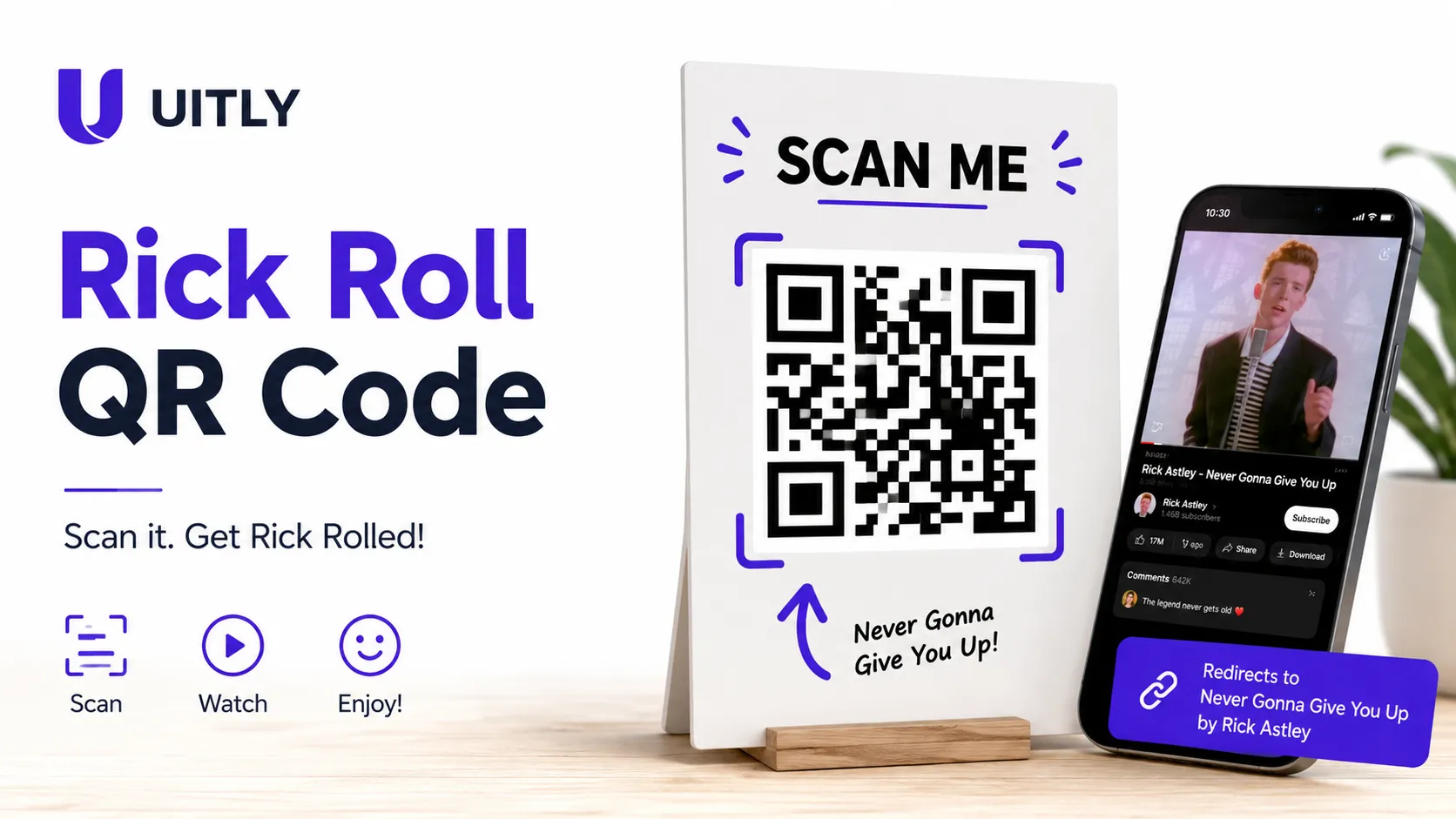
Learn how to create a Rickroll QR Code that links to "Never Gonna Give You Up." Step-by-step guide, safety tips, creative use cases & free resources.
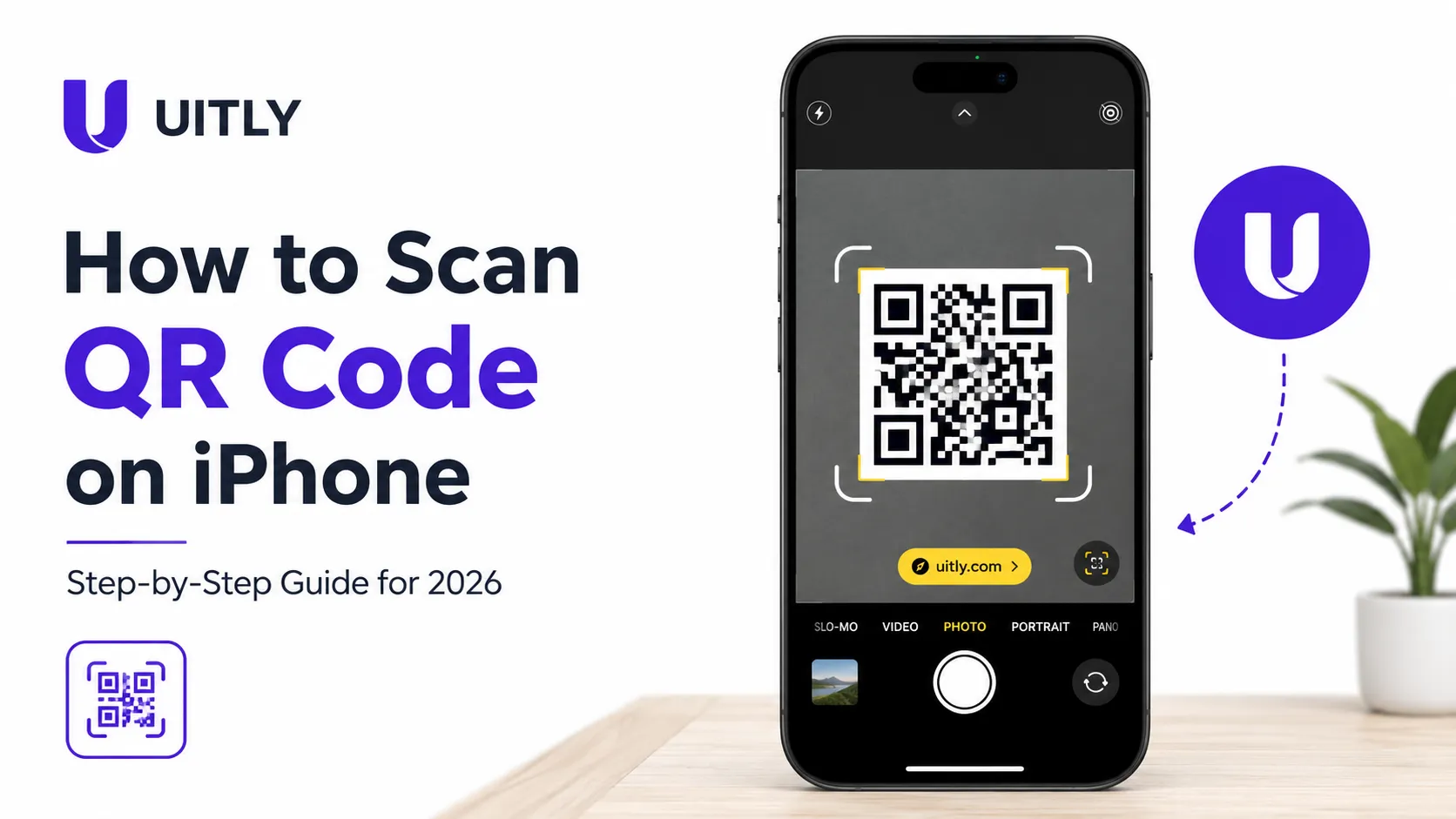
Learn how to scan a QR code on iPhone using the built-in Camera app, no extra app needed. Step-by-step guide for all iOS versions
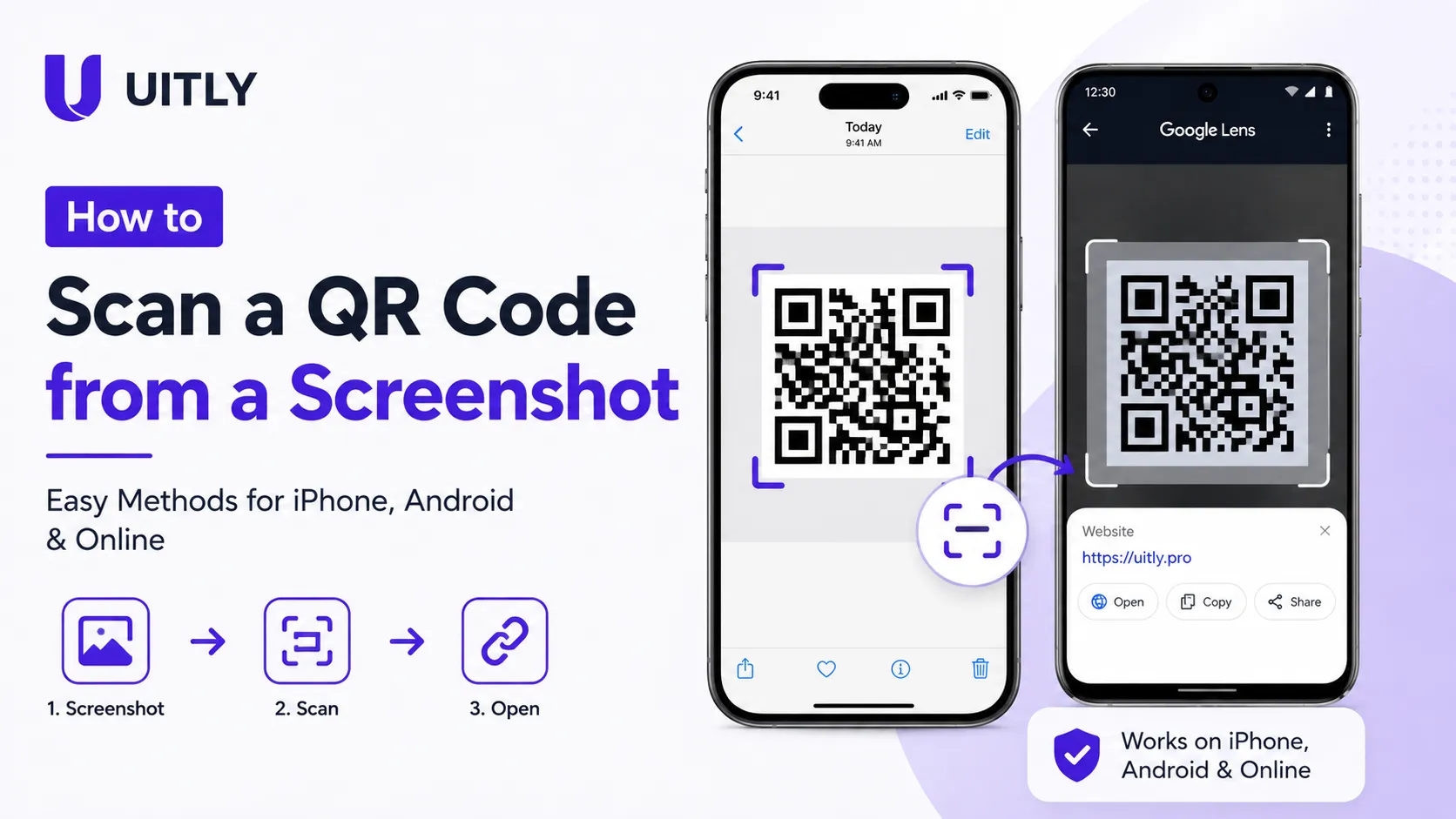
how to scan a QR code from a screenshot on iPhone, Android, or online. Follow simple step-by-step methods to read QR codes from saved images and photos.