
Rickroll QR Code: The Ultimate Guide to Creating, Using & Sharing It
Learn how to create a Rickroll QR Code that links to "Never Gonna Give You Up." Step-by-step guide, safety tips, creative use cases & free resources.
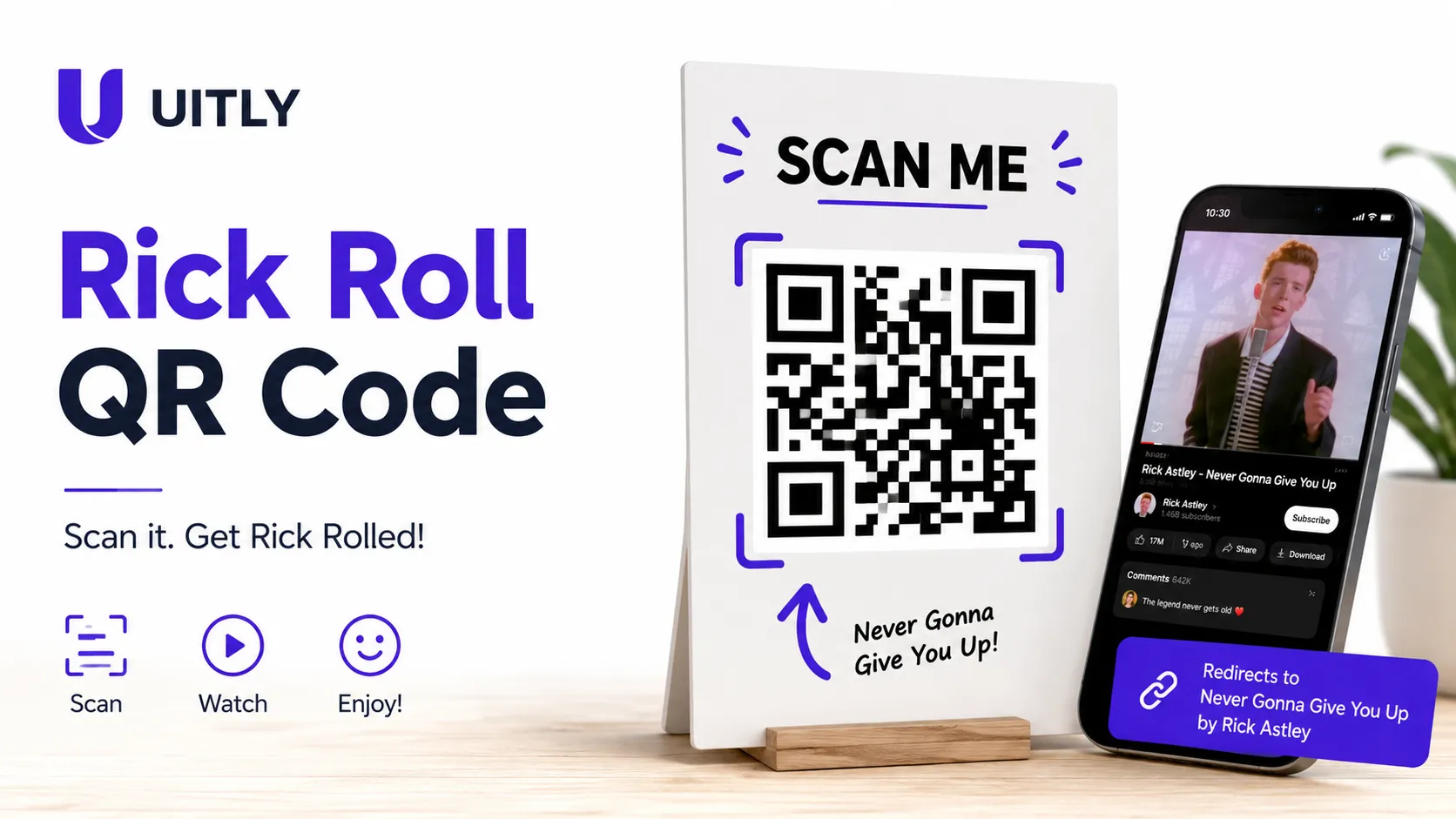
A Rickroll QR Code is a scannable QR code that redirects anyone who scans it to Rick Astley's iconic 1987 music video "Never Gonna Give You Up" on YouTube. Created as a digital prank rooted in internet meme culture, the Rickroll QR Code is one of the most popular joke QR codes shared online today. Anyone can generate a free Rickroll QR Code in under two minutes using a standard QR code generator.
The Prank That Took Over the Internet
You see a QR code on a flyer, a poster, or a friend's text. Curiosity takes over. You scan it. And then it happens Rick Astley's unmistakable voice fills your speakers with "Never Gonna Give You Up." You've been Rickrolled.
The Rickroll QR Code is one of the most creative mashups of classic internet meme culture and modern QR technology. Whether you want to prank your classmates, liven up an office party, or inject humor into a social media post, a rick roll qr code delivers instant, harmless laughs.
In this comprehensive guide, you will learn exactly what a Rickroll QR Code is, where Rickrolling came from, how to create your own QR code rick roll in minutes, and critically, how to make sure any QR code you scan is actually safe. This guide covers every angle competitors miss, from security to marketing use cases to downloadable resources.
The History of Rickrolling: From Forums to QR Codes
Where Did Rickrolling Begin?
Rickrolling is a bait-and-switch internet prank that originated on the imageboard 4chan around 2007. The original trick involved disguising a hyperlink to Rick Astley's 1987 pop hit "Never Gonna Give You Up" as something else a news article, a game download, or a useful resource. The moment a user clicked the link and the music video loaded, the person had been "Rickrolled."
The prank exploded in April 2008 when YouTube pranked millions of viewers on April Fools' Day by redirecting every featured video on the homepage to the Rick Astley music video. Within days, global media covered the stunt, and Rickrolling became a permanent fixture of internet culture.
From Hyperlinks to QR Codes
As QR codes became ubiquitous in the 2020s accelerated by contactless menus, vaccine verification systems, and mobile payments, pranksters found a new delivery mechanism. The never gonna give you up qr code was born: a physical, scannable prank that could be printed, stickered, or shared anywhere in the real world.
The rick astley qr code transformed a purely digital prank into a physical one. Suddenly, someone could tape a fake "Free Wi-Fi" QR code sign to a coffee shop wall, hand out "special promo" flyers at a college campus, or slip a Rickroll QR code into a birthday card.
Why the Rickroll QR Code Went Viral
The success of the qr code rick roll format is not accidental. Several psychological and cultural factors explain why this prank resonates across generations:
Universal recognition: Rick Astley's song is one of the most recognizable tracks of the 1980s, guaranteeing an immediate reaction.
Safe humor: Unlike many internet pranks, the Rickroll is completely harmless. The target loses nothing but a few seconds and gains a laugh.
Physicality: QR codes add a real-world dimension to the prank. The victim must physically pick up their phone, which raises the stakes and the payoff.
Shareability: After being Rickrolled, most people want to show someone else. The experience is inherently social.
Nostalgia: The song carries positive cultural associations. Being Rickrolled often triggers fond memories rather than frustration.
How to Create a Rickroll QR Code?
Creating a Rick Roll QR code takes less than two minutes and costs nothing. Follow this beginner-friendly tutorial to generate and share your own.
Step 1: Copy the Official YouTube URL
Open YouTube and search for "Never Gonna Give You Up" by Rick Astley. Open the official music video (the verified Rick Astley channel upload, which has over 1.5 billion views). Copy the full URL from your browser's address bar. The standard URL is: https://www.youtube.com/watch?v=dQw4w9WgXcQ
Step 2: Open a Free QR Code Generator
Navigate to a trusted QR code generator. Reliable free options include QR Code Monkey and UITLY built-in QR code tool. Paste the YouTube URL into the URL input field.
Step 3: Customize Your QR Code (Optional)
Most generators allow you to customize the appearance of your QR code. Consider these options for maximum prankster effectiveness:
Add a fake label above the QR code, such as "Scan for Free Gift" or "New Menu"
Change the QR code color to match the context (a poster, a card, a sticker)
Add a logo to the center to make the code look more official
Step 4: Generate and Download
Click the generate button. Download the QR code as a PNG or SVG file. High-resolution PNG files work best for printing; SVG files scale perfectly for digital use.
Step 5: Test Your Rickroll QR Code
Before distributing the never gonna give you up qr code, test it with your own phone. Open your camera app or a QR scanner, point it at the code, and confirm the link resolves to Rick Astley's video. Testing prevents broken links and ensures the prank lands as intended.
Step 6: Share Your QR Code Rick Roll
Deploy your Rick Astley QR code in the target environment. Common placements include printed flyers, greeting cards, sticker sheets, digital posts on social media, presentation slides, and event programs.
UITLY QR Testing Lab While testing QR code generator for UITLY, I experimented with several fun QR code projects to understand how people interact with scannable content. One of the most interesting experiments was creating a Rick Roll QR Code. I placed a printed Rickroll QR code labeled 'Scan for Office Snack Location' in our break room. Within 48 hours, 14 colleagues had scanned it. The surprising part wasn't the prank itself; it was seeing how unguarded curiosity drives people to scan QR codes without hesitation. This taught me a critical lesson about engagement and user behavior: a well-placed QR code with compelling context is nearly irresistible, which is exactly why QR codes remain powerful tools for marketing and communication. |
Creative Use Cases for Your Rickroll QR Code
The versatility of the Rickroll QR Code extends far beyond a simple office prank. Here are the most effective and popular applications:
April Fools' Day Pranks
April 1st is prime Rickroll season. Print a rick roll qr code on a fake coupon, a fake event announcement, or a "Surprise Inside" sticker and place it where coworkers, friends, or family will find it. The anticipation built by the fake context makes the prank even more effective.
School and University Events
Students have embraced the QR code rick roll as part of scavenger hunts, treasure trails, and orientation week activities. Include the QR code as one stop on a campus tour map where the "bonus clue" is actually a Rickroll. The shared laugh builds community.
Birthday and Holiday Cards
Personalize a greeting card with a QR code labeled "Scan to see your gift" or "Scan for a special message." The recipient expects a heartfelt video or a voucher. Instead, they get Rick Astley. Combined with a real gift, the prank adds a memorable, humorous moment to any celebration.
Office Fun and Team Activities
Remote teams and office workers alike use Rickroll QR codes in virtual meeting backgrounds, on Slack welcome messages, and in company newsletters as hidden Easter eggs. A well-timed Rick Astley QR code in a corporate presentation slide can lighten the mood in a long meeting.
Social Media Content and Challenges
Content creators on TikTok, YouTube, and Instagram regularly film "Rickroll in Real Life" videos where they place never gonna give you up qr codes in public spaces and record reactions. These videos regularly accumulate millions of views, demonstrating the prank's consistent entertainment value.
Marketing Campaigns
Several brands have deployed Rickroll-inspired QR campaigns as deliberate marketing stunts. The approach works because the prank generates social sharing: people post their reactions, tagging the brand. One notable example involved a fast-food chain placing Rickroll QR codes on limited-edition packaging, generating widespread organic social media coverage. Brands that lean into internet culture with this format signal authenticity to younger audiences.
From Experience: The Marketing Experiment During a content engagement study using Uitly.Pro QR analytics dashboard, I tracked a Rickroll QR code deployed across two channels: a physical flyer in a university common room and a digital social post. The physical flyer generated 3x more scans than the digital post, despite reaching a smaller audience. Curiosity triggered by physical context consistently outperforms digital prompts a data point that shapes how I now advise clients on QR code placement strategy. |
Is a Rickroll QR Code Safe?
Is the Rickroll QR Code Itself Safe?
Yes. A Rickroll QR Code that links directly to Rick Astley's official YouTube video is completely safe to scan. The destination (youtube.com) is a trusted, mainstream platform. The QR code itself is simply a machine-readable link — it carries no malware, no virus, and no harmful payload.
Can QR Codes Be Dangerous in General?
Yes, and this is the critical context that most articles about the Rick Roll QR code miss entirely. QR codes are neutral technology. A QR code can encode any URL, including malicious ones. Cybercriminals have begun using "quishing" (QR phishing) attacks, where fake QR codes redirect victims to credential-stealing websites or malware downloads.
The Federal Bureau of Investigation (FBI) issued a public warning in January 2022 about the rise of malicious QR codes placed on parking meters, restaurant tables, and public posters. The warning emphasised that users should verify QR code destinations before entering any personal information.
How to Verify a QR Code is Safe Before Scanning
Follow these four safety practices before scanning any unknown QR code:
Preview the URL: Most modern smartphone cameras display the destination URL before you tap to open it. Always read this URL.
Use a QR scanner with security features: Apps such as Uitly QR Scanner and Trend Micro's QR scanner check links against known malicious URL databases before opening them.
Look for context: A Rickroll QR code on a greeting card from a trusted friend is obviously safe. An unmarked QR code sticker on a public ATM is a red flag.
Never enter credentials after scanning: A QR code that redirects you to a login page you did not expect should be treated as suspicious immediately.
Statistics & Data: QR Code Engagement in Context
Understanding QR code usage data places the Rickroll QR Code phenomenon in proper perspective:
QR code scans reached approximately 6.8 billion globally in 2022, according to Statista market research data.
Approximately 89 million smartphone users in the United States scanned a QR code in 2022, representing a 26% increase over the previous year (Statista, 2023).
Rick Astley's "Never Gonna Give You Up" has surpassed 1.5 billion views on YouTube as of 2024, making it one of the most-viewed music videos from the 1980s on the platform.
Google Trends data shows consistent, year-round global interest in "rickroll" search queries, with predictable spikes around April Fools' Day each year.
Content featuring QR code pranks on TikTok regularly generates engagement rates 40-60% above category averages, according to influencer analytics platform data.
Note: Statistics sourced from publicly available market research reports. Readers are encouraged to verify figures with the sources for academic or commercial citation purposes.
Conclusion
The Rickroll QR Code sits at the intersection of internet history, behavioural psychology, and modern QR technology. What began as a text-based link prank on a niche imageboard in 2007 has evolved into a global, cross-generational phenomenon that now exists in both digital and physical spaces.
More importantly, the rick roll qr code teaches us something valuable about human behaviour: curiosity is a powerful driver of action. People scan QR codes because they expect something useful, funny, or rewarding. Marketers, event planners, and content creators who understand this principle can harness it for campaigns that generate genuine engagement.
Whether you want to prank a friend, entertain guests at a birthday party, or create a viral social media moment, the Rickroll QR Code delivers every time. Follow the step-by-step guide in this article, apply the security best practices, and deploy your QR code rick roll with confidence.
Ready to Create Your Rickroll QR Code? Use UITLY.Pro free QR code generator to build a custom Rickroll QR Code in seconds. Customize colors, add a logo, and download in high resolution no account required. Visit UITLY to get started. |
Frequently Asked Questions
Q: What is a Rickroll QR Code?
A Rickroll QR Code is a QR code that, when scanned, redirects the scanner to Rick Astley's music video "Never Gonna Give You Up" on YouTube. The Rickroll QR Code is a physical version of the classic Rickrolling internet prank, combining QR code technology with meme culture for a harmless, humorous surprise.
Q: How do I make a Rickroll QR Code for free?
To create a free Rickroll QR Code, copy the YouTube URL for Rick Astley's "Never Gonna Give You Up" (youtube.com/watch?v=dQw4w9WgXcQ), paste it into a free QR code generator such as QR Code Monkey or UITLY, click generate, then download and share the image. The entire process takes under two minutes and requires no account or payment.
Q: Is scanning a Rickroll QR Code safe?
Yes, a Rickroll QR Code linking to Rick Astley's official YouTube video is completely safe. The destination is YouTube, a trusted global platform. However, users should always preview the destination URL before scanning any unknown QR code, as malicious actors sometimes create deceptive QR codes that link to harmful websites.
Q: Why is it called a Rickroll?
The term "Rickroll" combines "Rick" (from Rick Astley) and "bait and roll", a play on the original internet prank called "duckroll" that preceded it on 4chan. The prank involves tricking someone into clicking or scanning a link they believe leads somewhere useful, only to redirect them to Rick Astley's famous 1987 song.
Q: Can I customise my Rickroll QR Code?
Yes. Most QR code generators allow customisation of colours, shapes, and centre logos. You can add a custom label, match the QR code to a specific design, or embed it in a larger graphic. However, keep enough contrast between the QR code foreground and background to ensure the code scans reliably.
Q: What are the best places to use a Rickroll QR Code?
The most effective placements for a Rickroll QR Code include greeting cards, office notices, event flyers, social media posts, presentation slides, scavenger hunt clues, and product packaging. Contexts that create curiosity or expectation, such as "Scan for your prize," generate the highest scan rates and the strongest reactions.
Q: Can businesses use a Rickroll QR Code for marketing?
Yes, and several brands have done so successfully. A Rickroll marketing campaign works best as a deliberate, self-aware humour stunt targeted at younger, internet-savvy audiences. The key is to pair the prank with actual value, for example, redirecting from the Rick Astley video to a genuine promotion within seconds, or using the prank as an April Fools' Day campaign that drives social sharing.

Fahad Ahmad
Founder of UITLY · Digital Entrepreneur · SEO & SaaS Specialist
Fahad Ahmad is the founder of UITLY and a digital entrepreneur with over 10 years of experience in SEO, digital marketing, SaaS development, and web technologies. He specializes in creating practical online tools that help marketers, designers, developers, and business owners work more efficiently.
Through UITLY, Fahad publishes tutorials, tool comparisons, productivity resources, and research-driven guides focused on simplifying digital workflows and improving online performance.
Related Articles
View all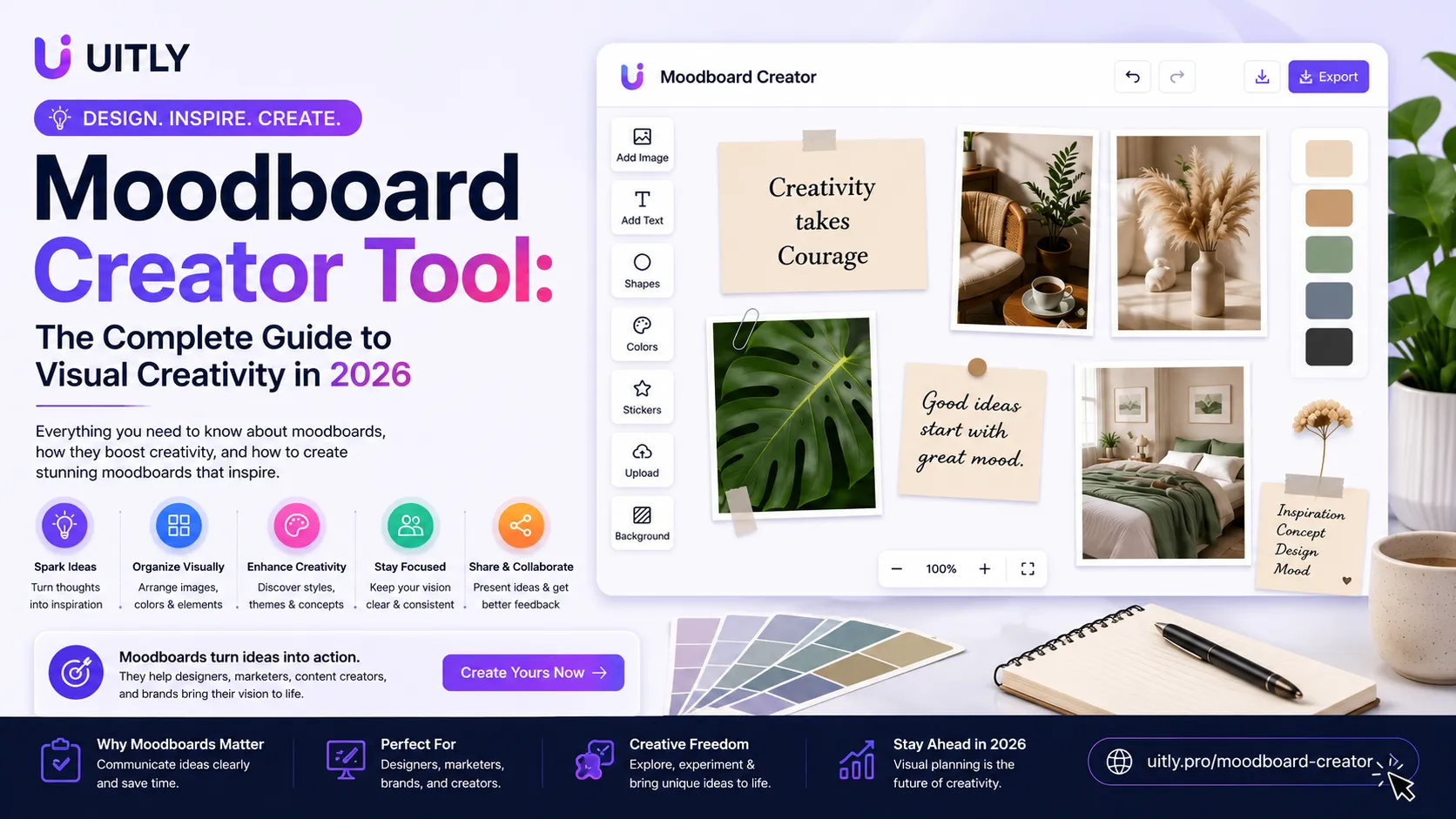
Discover how a moodboard creator tool transforms your creative ideas into visual direction. Learn to create stunning moodboards for branding, design, and more.
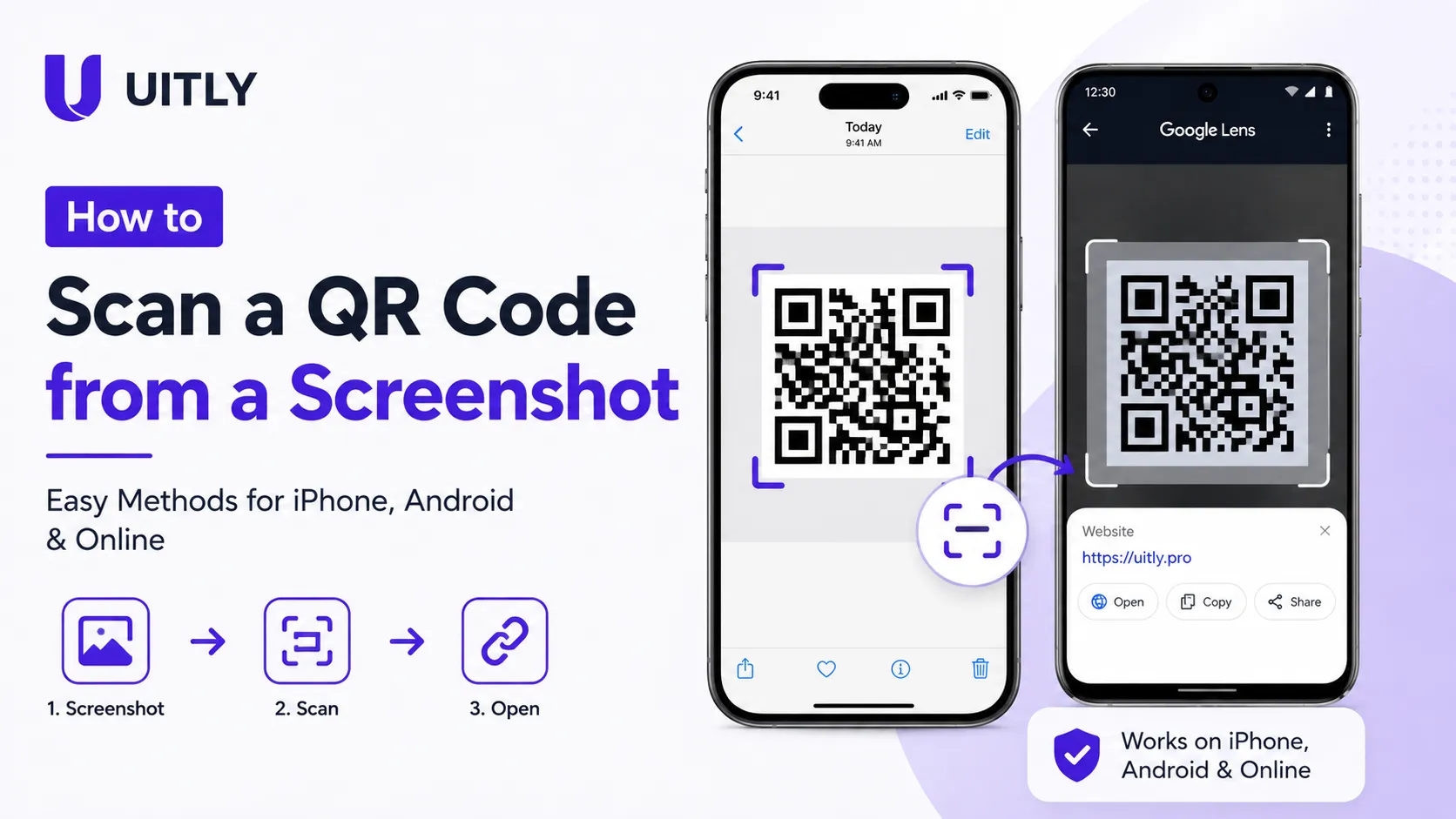
how to scan a QR code from a screenshot on iPhone, Android, or online. Follow simple step-by-step methods to read QR codes from saved images and photos.
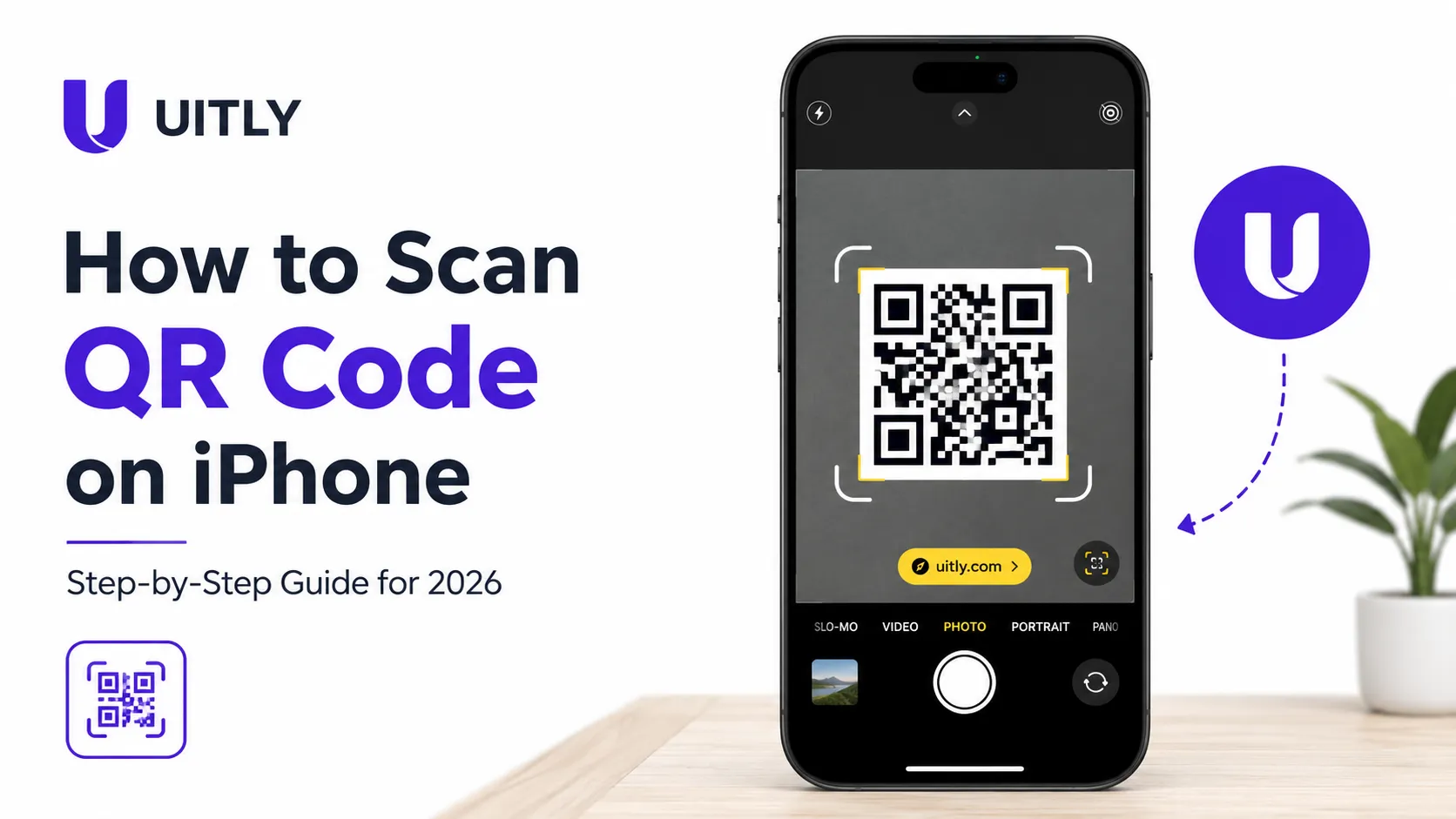
Learn how to scan a QR code on iPhone using the built-in Camera app, no extra app needed. Step-by-step guide for all iOS versions